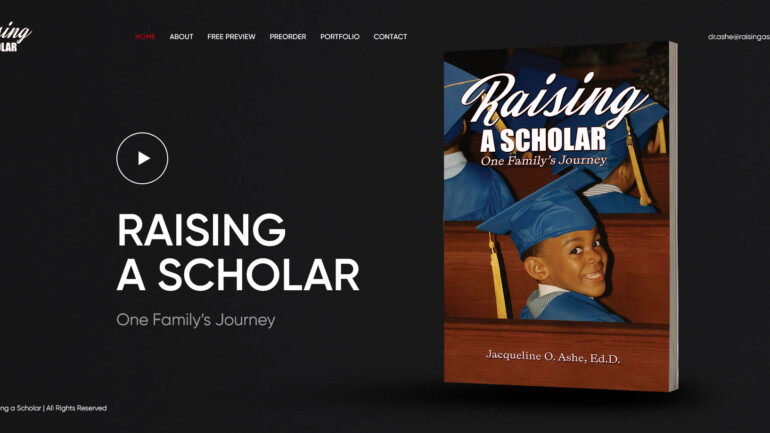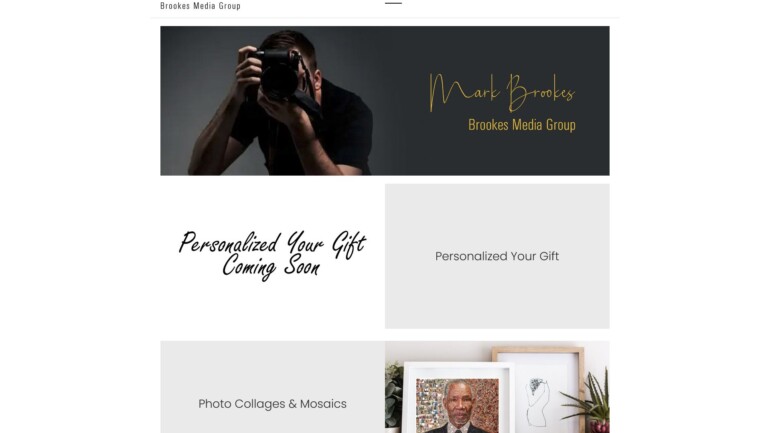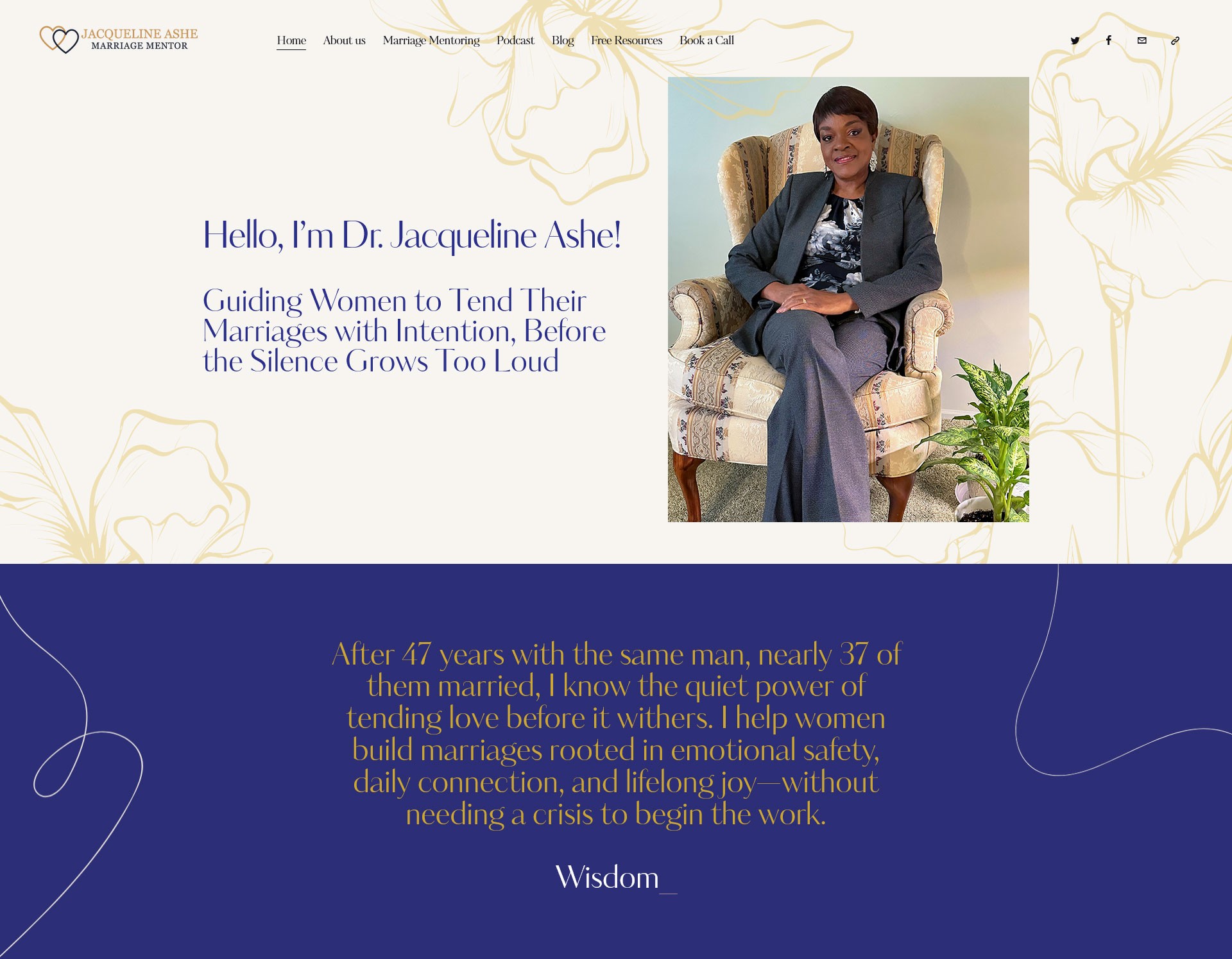
I created a sandbox (test) website for Coach Jacqueline Ashe. This is a private place where we build and test the website before it goes live.
What I Did
WordPress Setup
-
Installed WordPress on the sandbox subdomain:
sandbox.coachjacquelineashe.com. -
Set it up so we could safely build the new site without affecting anything live.
-
Fixed all basic settings like SSL, permalinks, backups, and security.
Website Design
-
Designed simple, clean, and professional pages that match the style of Coach Jacqueline Ashe.
-
Used soft colors, clean fonts, and easy-to-read layouts.
-
Created page templates like Home, About, Services, Blog, and Contact.
Page Structure
I built the main pages a coaching website needs:
-
Home – clear message, services, and call-to-action.
-
About – coach’s story and background.
-
Services – coaching packages and what the client offers.
-
Blog – space for articles or resources.
-
Contact – booking or inquiry form.
Plugins & Features
-
Added important plugins for security, SEO, backups, and speed.
-
Set up forms for visitors to contact or book a session.
-
Made sure the website looks good on mobile, tablet, and desktop.
Testing
-
Used the sandbox for all testing: layout checks, mobile testing, form testing, and plugin checks.
-
Fixed issues before the website moves to the live domain.
Why the Sandbox Was Important
-
It allowed us to build and test the whole website safely.
-
The client could check the design and request changes easily.
-
Everything was tested before going live, so there are no surprises.
-
Helps create a clean, smooth, professional coaching website.
What This Project Shows
-
I can set up staging environments for safe development.
-
I can build custom-designed WordPress websites for coaches and service businesses.
-
I focus on clean design, mobile-friendly layout, and good structure.
-
I follow proper development steps: design → build → test → launch.